
How Can I Replace Cut-Off Images While Keeping Character Consistency?
What you can do is generate another video using the same setup so the AI can maintain better character consistency. Once the new images are generated, you’ll be able to find them inside your Library section. Please see the image below for reference.
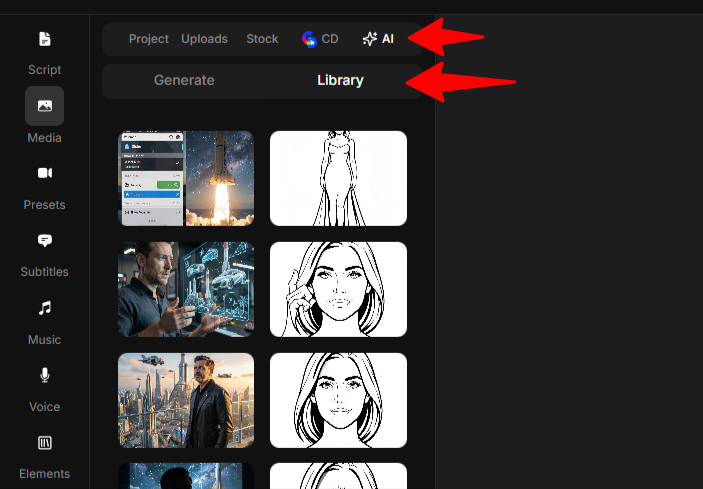
From there, you can use those newly generated images in your original project and replace the ones where the framing is cut off.
When generating the new video, please make sure the format is set to landscape. You can also include additional instructions in your prompt asking the AI to generate all images in landscape format to help guide the AI toward better framing consistency.